Open Source & Free

One Sound. Many Devices.

Stream system audio to multiple Bluetooth, USB, and wired devices simultaneously — with real-time per-device volume & latency control.

Windows 10/11
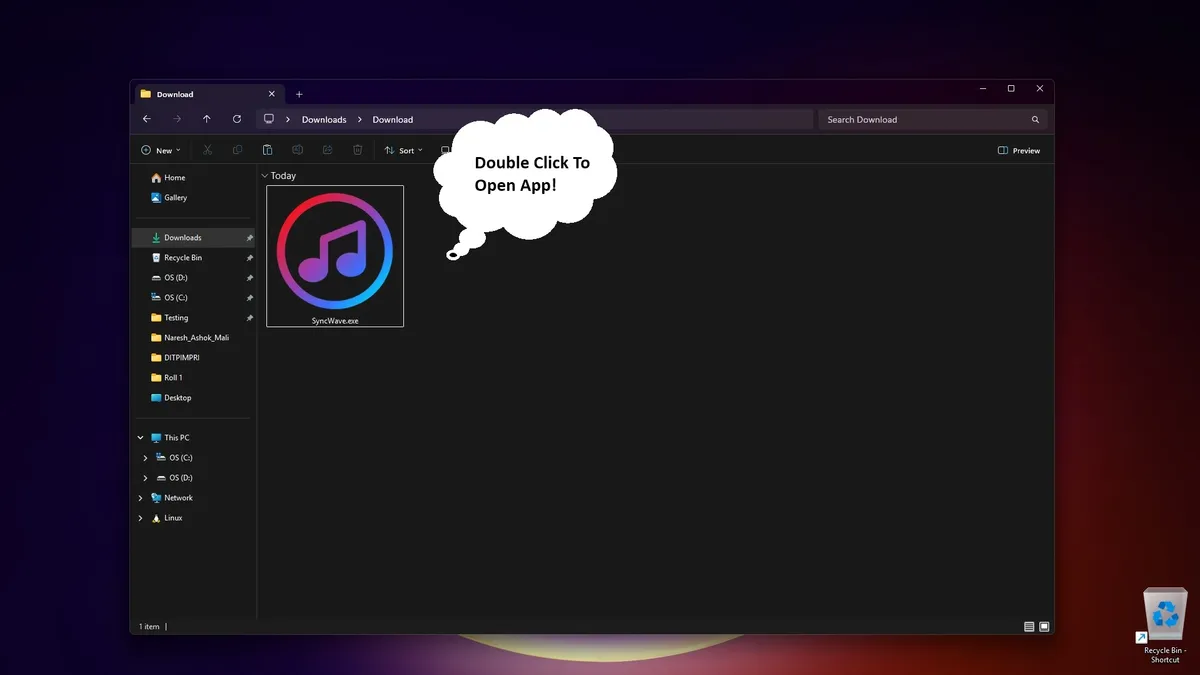
No Install Required
MIT License
🎧
Bluetooth
🔊
Speaker
🎵
USB DAC
🎤
Monitor
🎶
Wired

Everything you need for multi-device audio

Professional-grade audio routing with a beautiful, intuitive interface.

🔊

Multi-Device Output

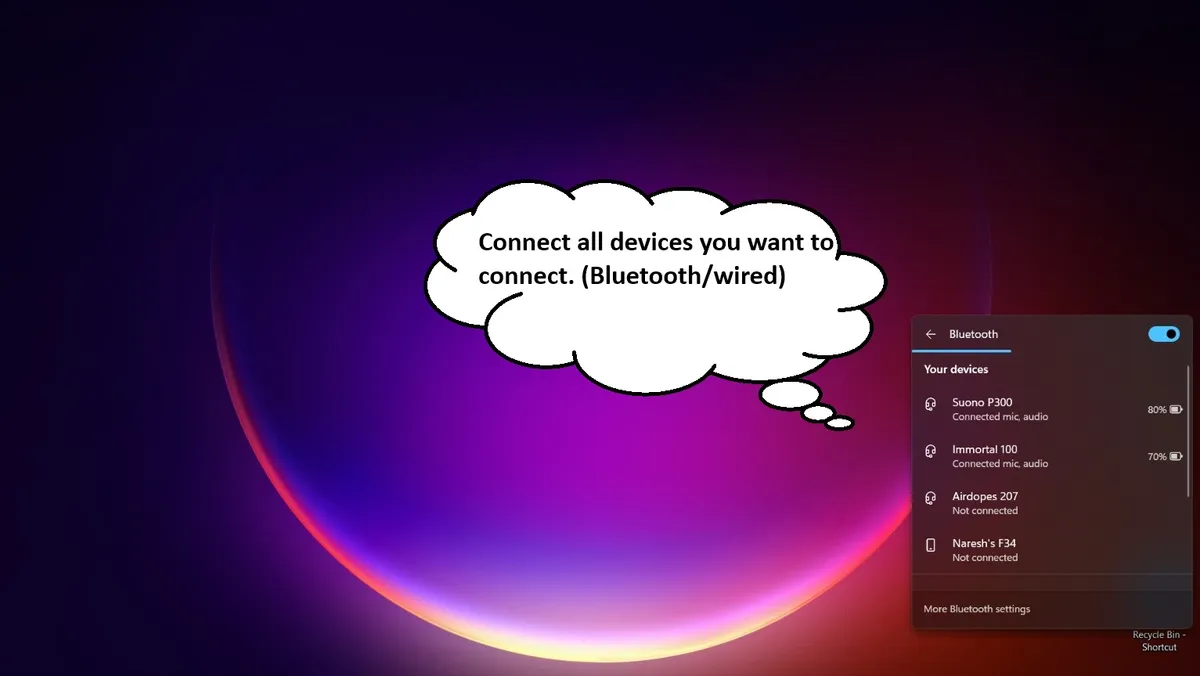
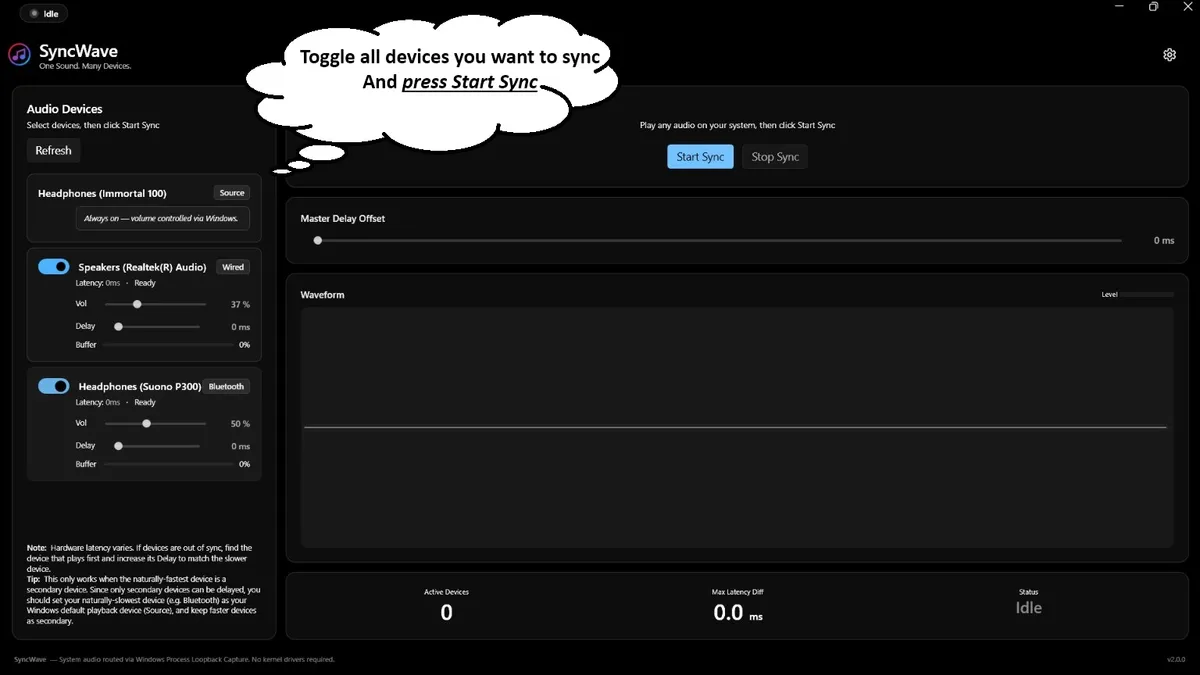
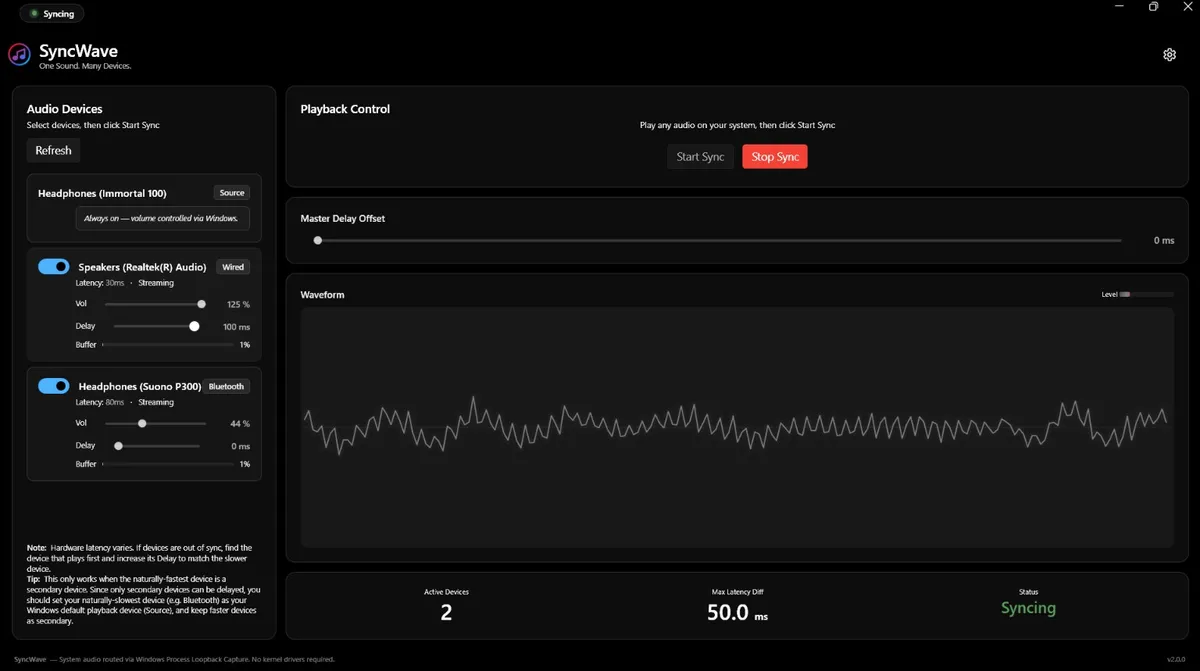
Stream to unlimited audio devices in parallel. Bluetooth headphones, USB speakers, wired monitors — all at once.

🎯

Latency Compensation

Auto-syncs faster devices to the slowest. Fine-tune per-device delay from 0–500ms for perfect lip-sync.

🔈

Real-Time Volume

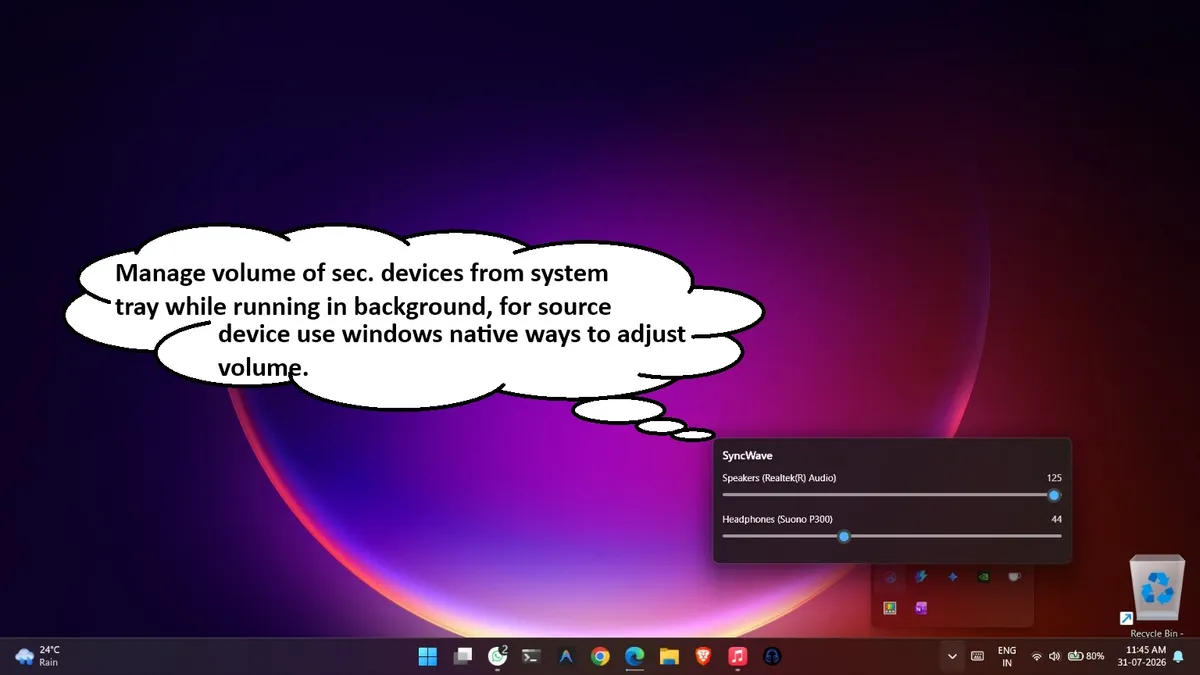
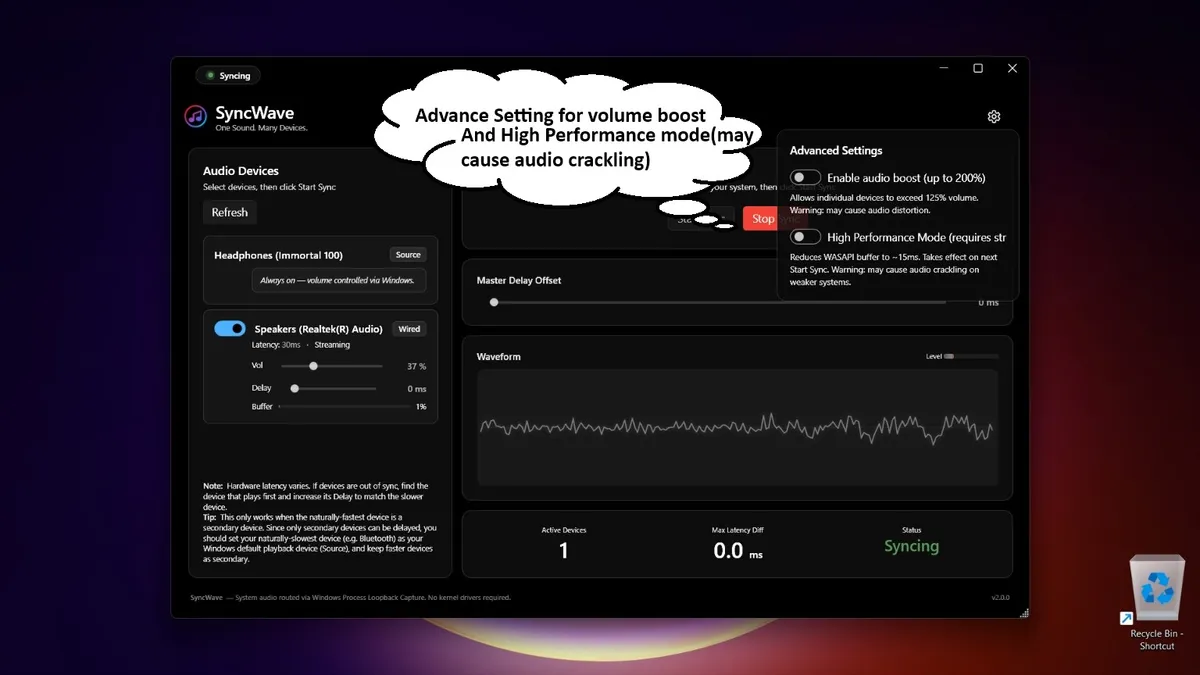
Per-device volume control from 0–200% with instant adjustment — no buffer delay, no interruptions.

📊

Live Monitoring

Waveform visualization, buffer health bars, and latency readouts — see your audio pipeline in real-time.

🔄

Auto-Reconnect

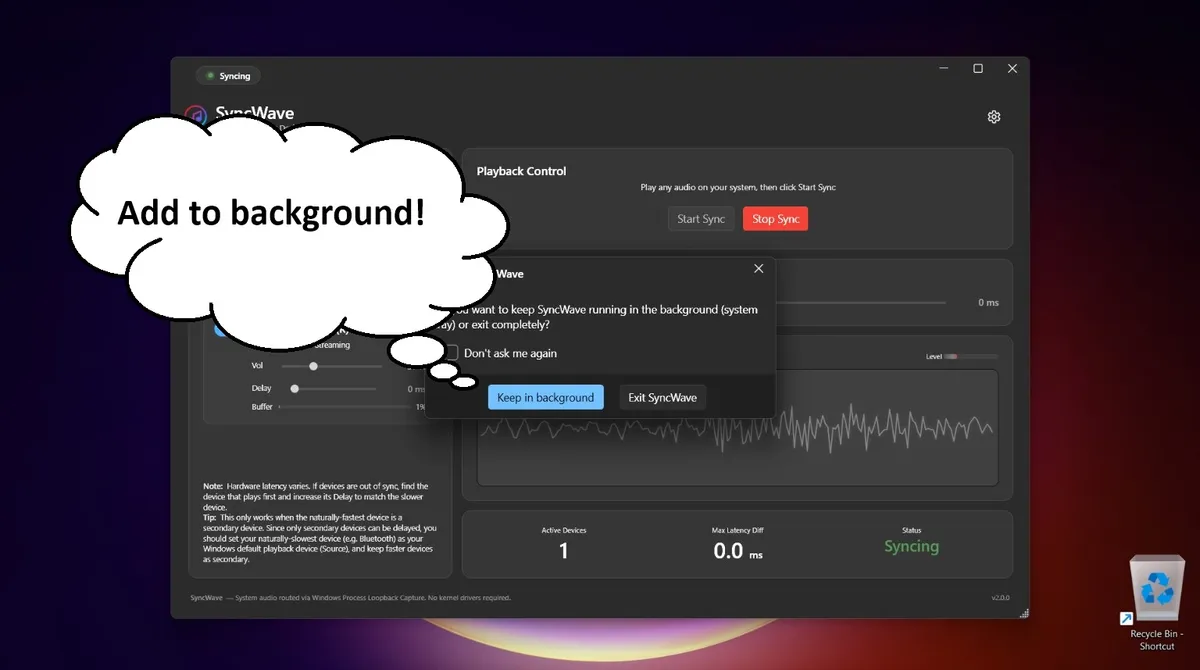
Bluetooth device disconnected? SyncWave gracefully handles it and polls for reconnection automatically.

🚫

Echo Prevention

Auto-detects the source device and skips it to prevent the feedback loop that causes audio doubling.

💾

Profile Persistence

Device selection, volume levels, and delay settings are automatically saved and restored between sessions.

🎨

Dark Theme UI

Beautiful modern WPF interface with cyan-purple gradient accents designed for comfortable, extended use.

Engineered for perfect sync

A sophisticated audio pipeline built on Windows Core Audio (WASAPI).

1

System Audio Capture

WASAPI loopback captures all system audio in real-time at native quality — games, music, calls, everything.

2

Latency Measurement

Each device's hardware latency is measured via AudioClient.StreamLatency. The maximum is used as the sync baseline.

3

Delay Compensation

High-performance circular buffers insert calculated delays: maxLatency − deviceLatency + manualOffset

4

Volume Scaling & Output

Real-time volume scaling (0–200%) applied per-device, then routed through WasapiOut to each physical device.

Built with modern technology

.NET

.NET 8 (C#)

Runtime

WPF

WPF (XAML)

UI Framework

NAudio 2.2.1

Audio Library

W

WASAPI

Core Audio API

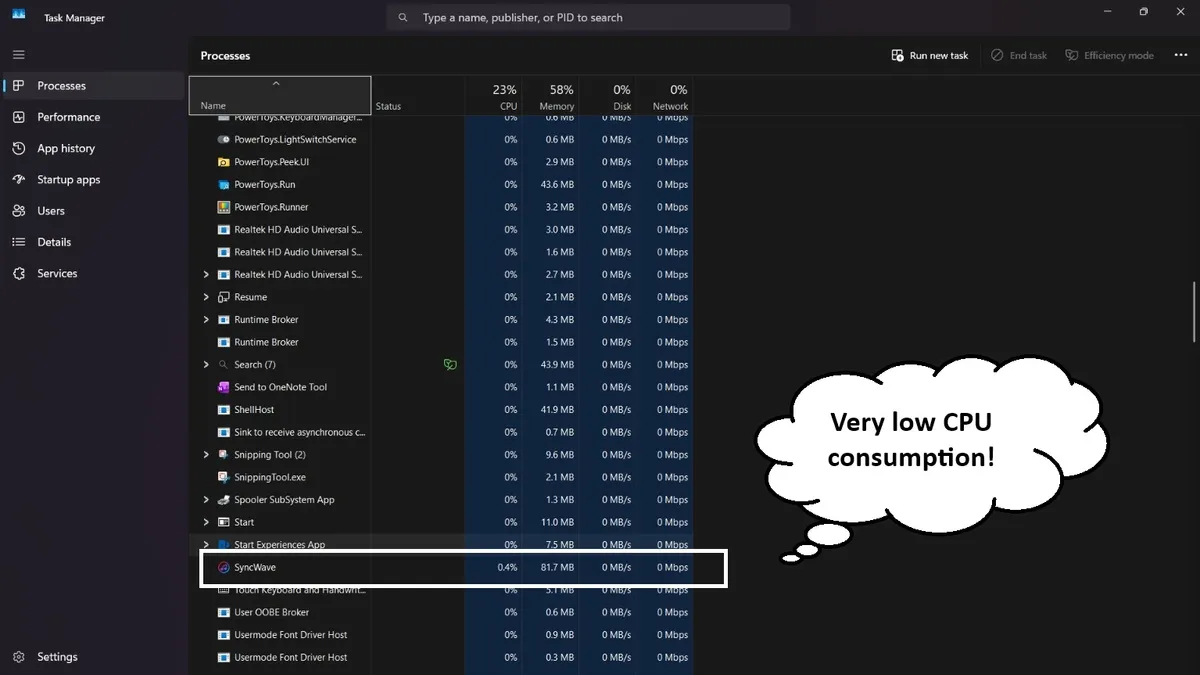
<10%
CPU Usage
~100ms
Pipeline Latency
5s
Buffer Depth
0
GC Pressure

Ready to sync your audio?

Download SyncWave for free. No installation, no sign-up — just run the exe.

Windows 10/11 (64-bit) ~65 MB Self-contained